

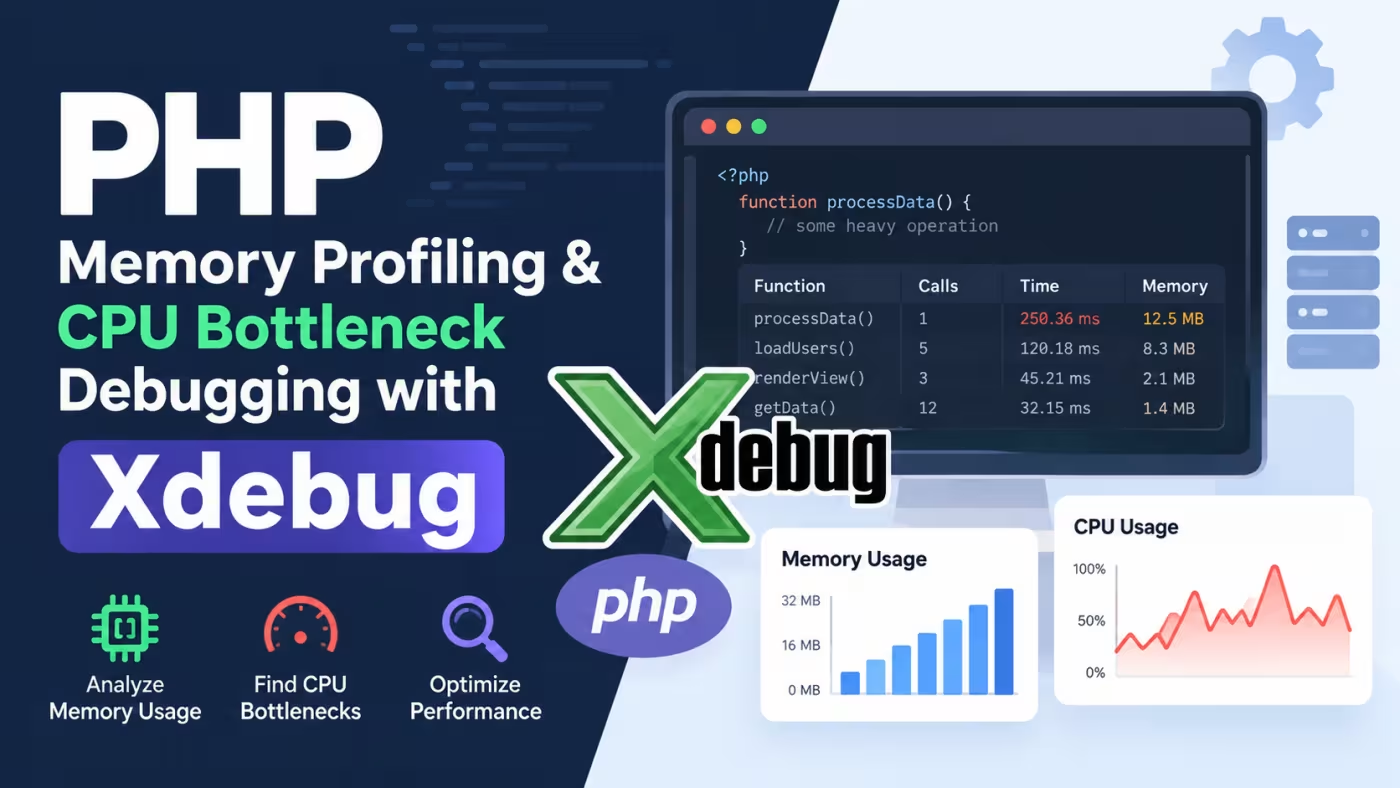
When a PHP application becomes slow, simply looking at the code is often not enough to identify the real problem. A request may spend most of its execution time inside a specific function, perform an expensive database operation, or consume much more memory than expected.
Xdebug provides powerful debugging and profiling capabilities that can help developers understand how PHP applications execute. With profiling enabled, you can analyze function calls, execution times, and memory usage to locate performance bottlenecks.
This guide explains how to use Xdebug for PHP memory profiling and CPU bottleneck debugging, along with practical techniques for analyzing profiling data and improving application performance.
What Is PHP Profiling?
PHP profiling is the process of measuring how an application uses system resources while executing.
A profiler can help answer questions such as:
-
Which functions take the most execution time?
-
Which parts of the application consume the most memory?
-
How many times is a function called?
-
Which functions are responsible for expensive operations?
-
Where does a request spend most of its processing time?
Instead of guessing which code is causing a performance problem, profiling provides measurable data that can guide optimization.
What Is Xdebug?
Xdebug is a PHP extension that provides debugging and development features, including:
-
Step debugging
-
Stack traces
-
Error and exception improvements
-
Code coverage
-
Function profiling
-
Memory profiling
For performance investigations, the profiling functionality is particularly useful because it records information about PHP execution that can later be analyzed with compatible profiling tools.
How Xdebug Profiling Works
When Xdebug profiling is enabled, PHP records information about function calls during execution.
A typical profiling workflow looks like this:
-
Enable Xdebug profiling.
-
Execute the PHP request or command you want to investigate.
-
Xdebug generates a profiling output file.
-
Open the profiling data with a compatible visualization tool.
-
Identify expensive functions and execution paths.
-
Optimize the problematic code.
-
Profile the application again to verify the improvement.
This approach is much more reliable than optimizing code based only on assumptions.
Configure Xdebug for Profiling
Xdebug configuration depends on the installed Xdebug version and your PHP environment. A typical development configuration can enable profiling and specify where profiling output should be written.
For example:
[xdebug]
xdebug.mode=profile
xdebug.output_dir=/tmp/xdebug
After changing the configuration, restart the PHP service or PHP-FPM process so that the new settings take effect.
You can verify that Xdebug is loaded by running:
php -v
You can also inspect the loaded PHP configuration with:
php --ini
For PHP-FPM environments, remember that the PHP CLI and PHP-FPM processes can use different configuration files. Always verify the configuration used by the application you are profiling.
Profiling a PHP Script
Consider this simple PHP example:
<?php

function calculateData(): array
{
    $result = [];

    for ($i = 0; $i < 100000; $i++) {
        $result[] = $i * $i;
    }

    return $result;
}

function processApplication(): void
{
    $data = calculateData();

    foreach ($data as $value) {
        sqrt($value);
    }
}

processApplication();
This script creates a large array and then processes every element.
Although the code is simple, profiling can help determine how much time is spent inside each function and whether the array allocation contributes significantly to memory consumption.
Understanding CPU Bottlenecks
A CPU bottleneck occurs when PHP spends a significant amount of processing time performing a particular operation.
Common causes include:
-
Large loops
-
Expensive calculations
-
Repeated function calls
-
Inefficient algorithms
-
Processing unnecessarily large datasets
-
Repeated string manipulation
-
Complex data transformations
-
Excessive serialization or deserialization
Profiling can reveal which functions consume the most execution time.
For example, if a function appears near the top of the profiler's time-consuming functions list, investigate:
-
How frequently it is called
-
What work it performs
-
Whether the same calculation is repeated
-
Whether the algorithm can be improved
-
Whether unnecessary data is being processed
Inclusive Time vs. Exclusive Time
When analyzing profiling results, understanding execution-time measurements is important.
Exclusive time represents the time spent directly inside a function, excluding the functions it calls.
Inclusive time includes the function's own execution time plus the execution time of functions called by it.
A function may have relatively little exclusive work but a large inclusive time because it calls several expensive functions.
This distinction helps identify whether the function itself is slow or whether one of its dependencies is responsible for the bottleneck.
PHP Memory Profiling
Memory usage is another important performance factor.
PHP applications can consume large amounts of memory when they:
-
Build unnecessarily large arrays
-
Load entire datasets into memory
-
Duplicate large strings or structures
-
Create excessive objects
-
Process files completely in memory
-
Keep unused data alive for too long
PHP provides a built-in function that can help measure memory usage:
<?php

echo 'Initial memory: ' . memory_get_usage(true) . " bytes\n";

$data = range(1, 100000);

echo 'After allocation: ' . memory_get_usage(true) . " bytes\n";

unset($data);

echo 'After cleanup: ' . memory_get_usage(true) . " bytes\n";
This can provide a quick indication of how an operation affects memory.
For deeper investigations, profiling tools can provide more detailed information about where memory is being consumed.
How to Find Memory-Heavy Code
Suppose an application loads thousands of database records into an array:
$users = $repository->getAllUsers();
If the dataset is very large, storing every record in memory may increase the application's memory consumption significantly.
Depending on the use case, alternatives may include:
-
Pagination
-
Iterators
-
Generators
-
Streaming
-
Processing records in batches
-
Selecting only required database columns
For example, a generator can allow data to be processed incrementally:
function generateNumbers(int $limit): Generator
{
    for ($i = 1; $i <= $limit; $i++) {
        yield $i;
    }
}

foreach (generateNumbers(100000) as $number) {
    // Process one value at a time.
}
This approach can avoid creating a large array containing every value at once.
Profiling PHP-FPM Applications
For web applications running through PHP-FPM, profiling should be performed carefully because profiling every production request can create significant overhead and generate many profiling files.
A safer workflow is to profile:
-
A local development environment
-
A staging environment
-
A controlled test request
-
A specific command-line script
-
A limited set of requests
Avoid enabling detailed profiling indiscriminately on a busy production server.
Xdebug Profiling Output
Xdebug profiling data can be analyzed using compatible tools that understand formats such as Cachegrind output.
These tools can help visualize:
-
Function call relationships
-
Execution time
-
Number of function calls
-
Call hierarchy
-
Expensive execution paths
A visual call graph can make it much easier to identify the part of a large PHP application responsible for a performance problem.
Common PHP Profiling Mistakes
1. Optimizing Without Measuring
Developers sometimes optimize code simply because it looks inefficient.
The problem may actually exist somewhere else.
Better approach: Profile first, identify the bottleneck, and then optimize the relevant code.
2. Profiling Every Production Request
Continuous profiling can introduce overhead and generate a large amount of profiling data.
Better approach: Use controlled profiling in development or staging environments whenever possible.
3. Looking Only at Execution Time
A function may execute quickly but be called thousands of times.
Better approach: Examine both execution time and call frequency.
4. Ignoring Memory Usage
An application can have acceptable CPU performance while still suffering from excessive memory consumption.
Better approach: Monitor memory usage alongside execution time.
5. Assuming Xdebug Is the Only Performance Tool
Xdebug is extremely useful for development-time debugging and profiling, but it is not the only tool available for PHP performance analysis.
Application monitoring, database profiling, PHP-FPM metrics, logging, and dedicated production observability tools can provide additional information.
Practical PHP Performance Optimization Workflow
A useful optimization process is:
-
Identify the slow operation.
-
Reproduce the problem consistently.
-
Profile the affected request or command.
-
Find functions with high execution time or call counts.
-
Check memory consumption.
-
Inspect database queries and external services.
-
Optimize the actual bottleneck.
-
Run the same workload again.
-
Compare the results before and after the change.
This prevents premature optimization and makes performance improvements measurable.
Xdebug Profiling vs. Manual Timing
For small investigations, PHP's microtime() can provide a quick execution-time measurement:
$start = microtime(true);

// Code being tested.
processApplication();

$elapsed = microtime(true) - $start;

echo "Execution time: {$elapsed} seconds";
This is useful for measuring a specific section of code, but it does not provide the detailed call hierarchy that a profiler can provide.
Use manual timing for quick checks and profiling when you need a deeper understanding of application execution.
Best Practices for PHP Memory and CPU Debugging
Keep these practices in mind when investigating PHP performance:
-
Profile before making major optimizations.
-
Focus on measurable bottlenecks.
-
Check function execution time and call frequency.
-
Monitor memory consumption for large datasets.
-
Avoid loading unnecessary data into memory.
-
Use generators or batch processing where appropriate.
-
Investigate expensive database queries separately.
-
Profile representative workloads.
-
Compare performance before and after optimization.
-
Avoid leaving detailed profiling enabled unnecessarily in production.
Conclusion
PHP performance problems are often difficult to diagnose by simply reading source code. Xdebug profiling provides valuable execution data that can help developers identify CPU-intensive functions, excessive function calls, and memory-related problems.
The most effective approach is to measure first, identify the real bottleneck, optimize the relevant code, and then profile the application again.
By combining Xdebug with good PHP development practices, database optimization, sensible memory management, and controlled performance testing, developers can build PHP applications that are faster, more efficient, and easier to maintain.



Discussion (0)
Sign in to join the discussion
Only registered developers with verified email addresses can leave comments.
No comments yet. Be the first to start the conversation!