

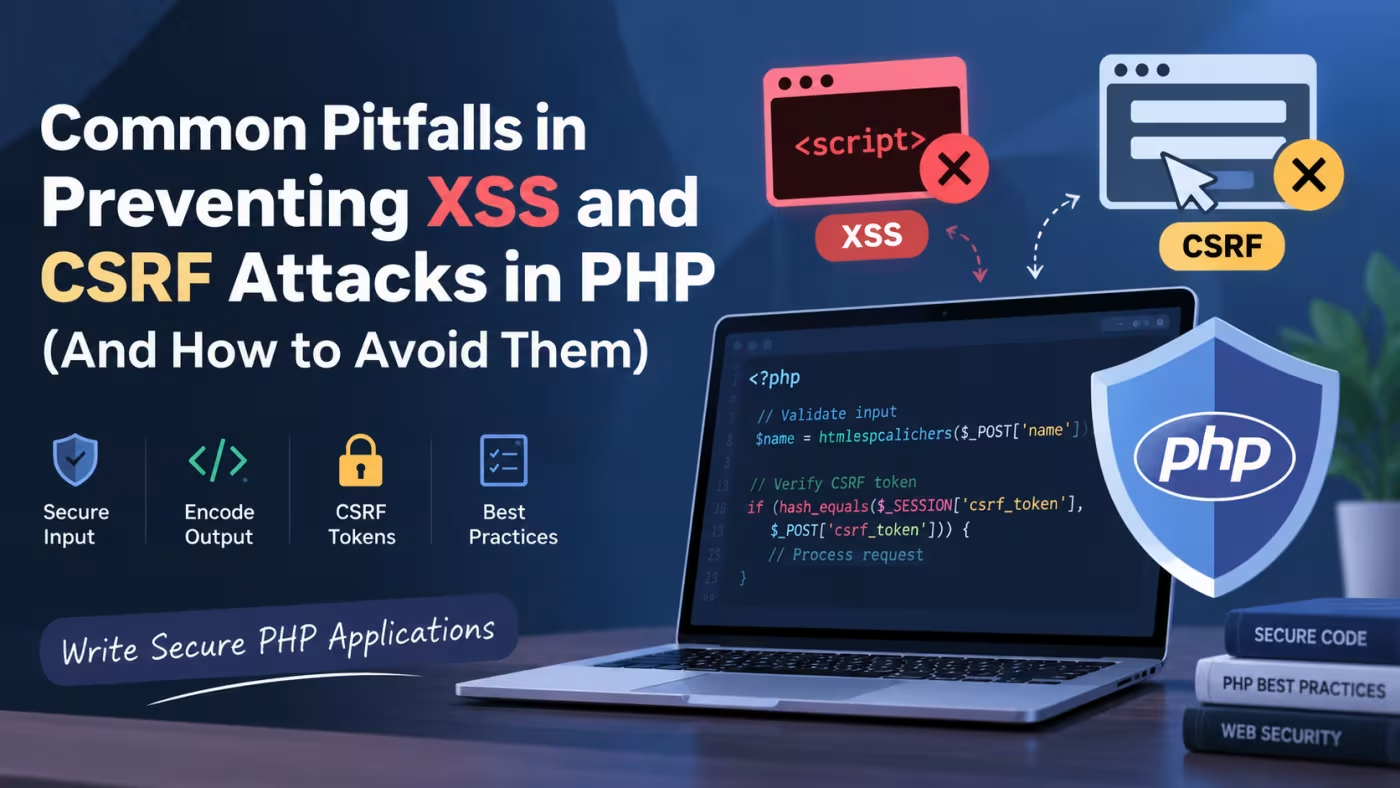
Cross-Site Scripting (XSS) and Cross-Site Request Forgery (CSRF) are two common web security vulnerabilities that can affect PHP applications when user input, authentication, and form submissions are not handled correctly.
Although PHP provides the functionality needed to build secure applications, security depends heavily on how developers process user input, generate HTML, manage sessions, and validate requests.
A common mistake is to assume that validating input once is enough to prevent every type of attack. In reality, XSS prevention and CSRF protection require different security controls.
XSS focuses primarily on preventing untrusted data from being interpreted as executable code in a user's browser. CSRF focuses on preventing an attacker from causing an authenticated user's browser to perform an unwanted action.
Key Principle: Never trust user-controlled data. Validate input, encode output according to its context, and protect state-changing requests with appropriate CSRF defenses.
This guide explains the most common mistakes developers make when protecting PHP applications from XSS and CSRF attacks and shows practical ways to avoid them.
What Is Cross-Site Scripting (XSS)?
Cross-Site Scripting occurs when an application includes untrusted data in a web page without properly encoding or sanitizing it.
For example, consider a PHP application that displays a username directly:
<?php

$name = $_GET['name'];

echo "<h1>Welcome, $name</h1>";
If an attacker submits HTML or JavaScript as the name parameter, the browser may interpret the injected content as HTML or executable JavaScript.
A safer approach is to escape the value before displaying it in HTML:
<?php

$name = $_GET['name'] ?? '';

echo '<h1>Welcome, ' .
     htmlspecialchars($name, ENT_QUOTES, 'UTF-8') .
     '</h1>';
htmlspecialchars() converts characters such as <, >, ", and ' into HTML entities so that user-controlled content is displayed as text instead of being interpreted as HTML.
What Is CSRF?
Cross-Site Request Forgery occurs when an attacker tricks a user's browser into sending an unwanted request to a website where the user is already authenticated.
For example, suppose an application allows a logged-in user to change an email address using a POST request:
if ($_SERVER['REQUEST_METHOD'] === 'POST') {
    $email = $_POST['email'] ?? '';

    // Update email address
}
If the application does not verify that the request originated from a legitimate form or trusted client, another website could potentially cause the victim's browser to submit a malicious request.
A common defense is a CSRF token.
Implementing CSRF Protection in PHP
First, start a secure session:
<?php

session_start();

if (empty($_SESSION['csrf_token'])) {
    $_SESSION['csrf_token'] = bin2hex(random_bytes(32));
}
Add the token to the form:
<form method="POST" action="/profile/update">
    <input
        type="hidden"
        name="csrf_token"
        value="<?= htmlspecialchars($_SESSION['csrf_token'], ENT_QUOTES, 'UTF-8') ?>"
    >

    <input type="email" name="email" required>

    <button type="submit">Update Email</button>
</form>
Then verify the token when processing the request:
<?php

session_start();

if ($_SERVER['REQUEST_METHOD'] !== 'POST') {
    http_response_code(405);
    exit('Method Not Allowed');
}

$token = $_POST['csrf_token'] ?? '';

if (
    empty($_SESSION['csrf_token']) ||
    !hash_equals($_SESSION['csrf_token'], $token)
) {
    http_response_code(403);
    exit('Invalid CSRF token');
}

$email = $_POST['email'] ?? '';

// Validate the email before updating the account.
Using hash_equals() helps avoid timing-attack issues when comparing security tokens.
Common XSS Prevention Pitfalls
1. Trusting User Input
One of the most common mistakes is assuming that data from a form, URL, cookie, API, or database is automatically safe.
For example:
echo $_POST['comment'];This is unsafe if the value can contain HTML or JavaScript.
Instead:
echo htmlspecialchars(
    $_POST['comment'] ?? '',
    ENT_QUOTES,
    'UTF-8'
);
The exact protection required depends on where the value is being used.
2. Escaping at the Wrong Time
Developers sometimes escape data when storing it in the database.
This can create problems because the same data may later be displayed in HTML, JSON, an HTML attribute, JavaScript, or a URL.
A better approach is generally to:
- Validate input according to application requirements.
- Store the appropriate data representation.
- Encode output according to its destination context.
For example, HTML output requires HTML encoding, while JavaScript and URL contexts require different handling.
3. Assuming htmlspecialchars() Solves Every XSS Problem
htmlspecialchars() is extremely useful for HTML text and many HTML attribute contexts, but it is not a universal security function.
For example, putting untrusted data directly inside JavaScript is a different context:
<script>
    const username = '<?= $username ?>';
</script>
This should not be treated as equivalent to normal HTML output.
If data must be transferred into JavaScript, use JSON encoding appropriately:
<script>
    const username = <?= json_encode(
        $username,
        JSON_HEX_TAG |
        JSON_HEX_AMP |
        JSON_HEX_APOS |
        JSON_HEX_QUOT
    ) ?>;
</script>
Better still, consider using a safer data-transfer mechanism such as a JSON endpoint or a data-* attribute where appropriate.
4. Using strip_tags() as the Main XSS Defense
Some developers use:
$comment = strip_tags($_POST['comment']);Although this removes HTML tags, it should not be considered a complete XSS protection strategy.
If an application intentionally allows users to submit formatted HTML, the application needs a dedicated HTML sanitization strategy rather than simply removing tags.
For plain-text fields, output encoding is often the simpler solution.
Common CSRF Prevention Pitfalls
1. Protecting Only Some POST Requests
CSRF protection should be considered for state-changing operations, not just one particular form.
Examples include:
- Changing an email address
- Changing a password
- Updating account information
- Creating or deleting records
- Making purchases
- Changing account permissions
- Performing administrative actions
A consistent CSRF strategy is easier to maintain than manually protecting only a few sensitive forms.
2. Using Predictable CSRF Tokens
Avoid predictable values such as:
$_SESSION['csrf_token'] = time();or:
$_SESSION['csrf_token'] = md5($userId);Use a cryptographically secure random value:
$_SESSION['csrf_token'] = bin2hex(random_bytes(32));3. Comparing Tokens Incorrectly
Avoid loose comparisons for security tokens:
if ($_POST['csrf_token'] == $_SESSION['csrf_token']) {
    // ...
}
Use:
if (hash_equals($_SESSION['csrf_token'], $_POST['csrf_token'] ?? '')) {
    // Token is valid
}
4. Relying Only on the Referer Header
Checking the Referer header can sometimes provide an additional signal, but it should not generally be treated as the primary CSRF defense.
A server-generated CSRF token provides a stronger and more explicit mechanism for validating state-changing requests.
5. Forgetting AJAX and API Requests
CSRF protection must also be considered when state-changing requests are sent using JavaScript.
For example:
fetch('/account/update', {
    method: 'POST',
    headers: {
        'Content-Type': 'application/json',
        'X-CSRF-Token': csrfToken
    },
    body: JSON.stringify({
        email: email
    })
});
The PHP backend must validate the token rather than assuming that a request made through JavaScript is automatically trustworthy.
Additional Security Measures
XSS and CSRF protection should be part of a broader application security strategy.
Use Secure Session Cookies
PHP applications should configure session cookies appropriately.
For example:
session_set_cookie_params([
    'httponly' => true,
    'secure' => true,
    'samesite' => 'Lax'
]);

session_start();
The secure option should be used when the application is served over HTTPS.
HttpOnly prevents client-side JavaScript from directly accessing the session cookie.
SameSite can reduce the risk of certain cross-site request scenarios, but it should not be treated as a replacement for proper CSRF protection.
Use HTTPS
Authentication credentials, session cookies, form submissions, and sensitive application data should be transmitted over HTTPS.
Without HTTPS, attackers who can intercept network traffic may be able to compromise otherwise well-designed security controls.
Add a Content Security Policy
A Content Security Policy (CSP) can provide an additional layer of defense against XSS.
For example:
Content-Security-Policy: default-src 'self'; script-src 'self'A CSP should be designed according to the application's actual requirements. Overly permissive policies may provide limited protection.
Validate Input
Input validation and output encoding serve different purposes.
For example, if an application expects an integer:
$id = filter_input(
    INPUT_POST,
    'id',
    FILTER_VALIDATE_INT
);

if ($id === false || $id === null) {
    http_response_code(400);
    exit('Invalid ID');
}
Validation helps ensure that data matches the application's expected format.
Use Prepared Statements
XSS and CSRF are different from SQL injection, but secure PHP applications should address SQL injection as well.
Use PDO prepared statements instead of concatenating user input into SQL queries:
$stmt = $pdo->prepare(
    'SELECT id, name FROM users WHERE id = :id'
);

$stmt->execute([
    'id' => $id
]);

$user = $stmt->fetch();
Never assume that solving one web vulnerability automatically protects an application from other attack classes.
A Practical Secure PHP Request Flow
A secure PHP form can follow this general process:
User submits request
        ↓
Check HTTP method
        ↓
Validate authentication/authorization
        ↓
Validate CSRF token
        ↓
Validate input
        ↓
Perform business logic
        ↓
Store data safely
        ↓
Encode output according to context
        ↓
Return response
This separation makes security controls easier to understand, test, and maintain.
Security Checklist for PHP Developers
Before deploying a PHP application, review the following:
- Escape untrusted output according to its context.
- Validate user input according to expected data types and formats.
- Use CSRF tokens for state-changing browser requests.
- Generate CSRF tokens using cryptographically secure randomness.
- Compare security tokens with
hash_equals(). - Use secure session cookie attributes.
- Serve authenticated applications over HTTPS.
- Use prepared SQL statements.
- Avoid inserting untrusted data directly into JavaScript.
- Use an appropriate Content Security Policy.
- Do not rely exclusively on
strip_tags()for XSS prevention. - Do not treat CSRF protection as an authentication mechanism.
- Test security controls for normal requests as well as AJAX requests.
- Review third-party libraries and frameworks for security updates.
Conclusion
Preventing XSS and CSRF attacks in PHP requires more than adding a single security function to an application. Developers need to understand where untrusted data enters the application, how it is processed, where it is displayed, and which requests can change application state.
For XSS, context-aware output encoding, appropriate input validation, safe handling of HTML, and additional browser protections such as CSP are important defenses.
For CSRF, server-generated unpredictable tokens, secure session management, appropriate SameSite cookie settings, and validation of state-changing requests provide important protection.
The most reliable approach is to make security part of the application's architecture rather than treating it as a final debugging step.
By following these practices consistently, PHP developers can significantly reduce common security mistakes and build applications that are safer, more maintainable, and easier to audit.



Discussion (0)
Sign in to join the discussion
Only registered developers with verified email addresses can leave comments.
No comments yet. Be the first to start the conversation!